Why It Matters
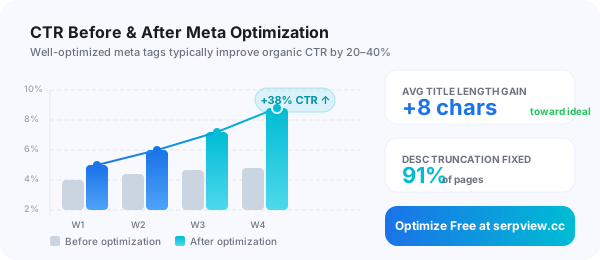
Improve Your SEO Click-Through Rate
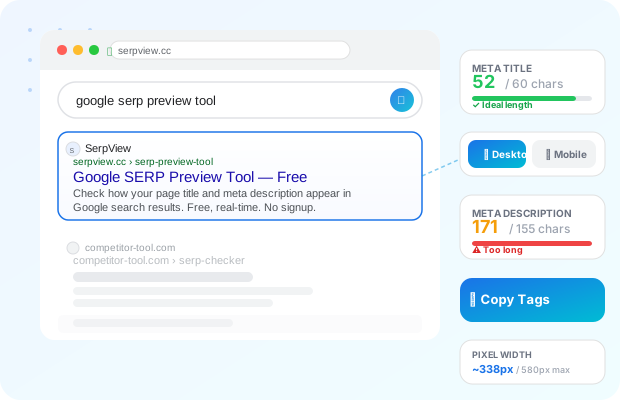
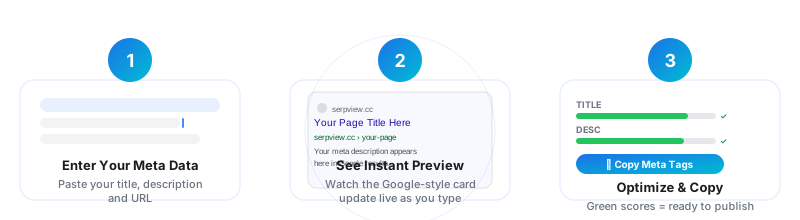
Your meta title and description are the first things users see in Google search results. A well-optimized title drives more clicks, and a compelling description sets expectations before anyone visits your page. Our free Google SERP Preview Tool shows you precisely how your metadata will appear — helping you avoid truncation, improve relevance, and boost your organic click-through rate without any guesswork. Used by SEO professionals, content marketers, and web developers worldwide.
📌 Meta Title Best Practices
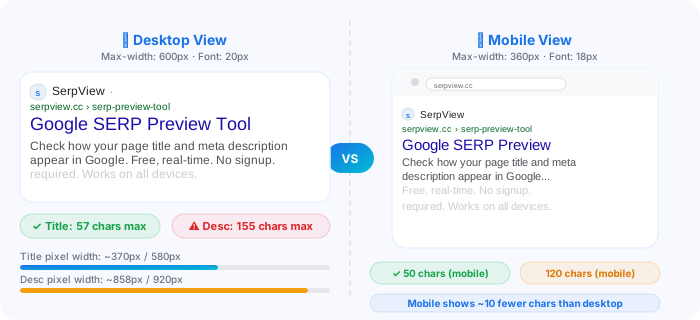
- Keep titles between 50–60 characters
- Place your primary keyword near the beginning
- Include your brand name at the end (after a dash or pipe)
- Make it compelling — it's your organic ad headline
- Avoid keyword stuffing; write for humans first
📌 Meta Description Best Practices
- Aim for 140–155 characters for full visibility
- Include a clear call-to-action (Learn more, Shop now, etc.)
- Naturally use your target keyword once
- Match the intent of the page content accurately
- Each page should have a unique description
Desktop vs Mobile: What Google Actually Shows